Demo

Discover Hidden Accessibility Issues on Your Website

See exactly what Insi finds that other tools miss. Our advanced scanning technology uses a virtual browser to simulate how real users with assistive devices experience your site, identifying problems other tools overlook.
1. Overview Scan

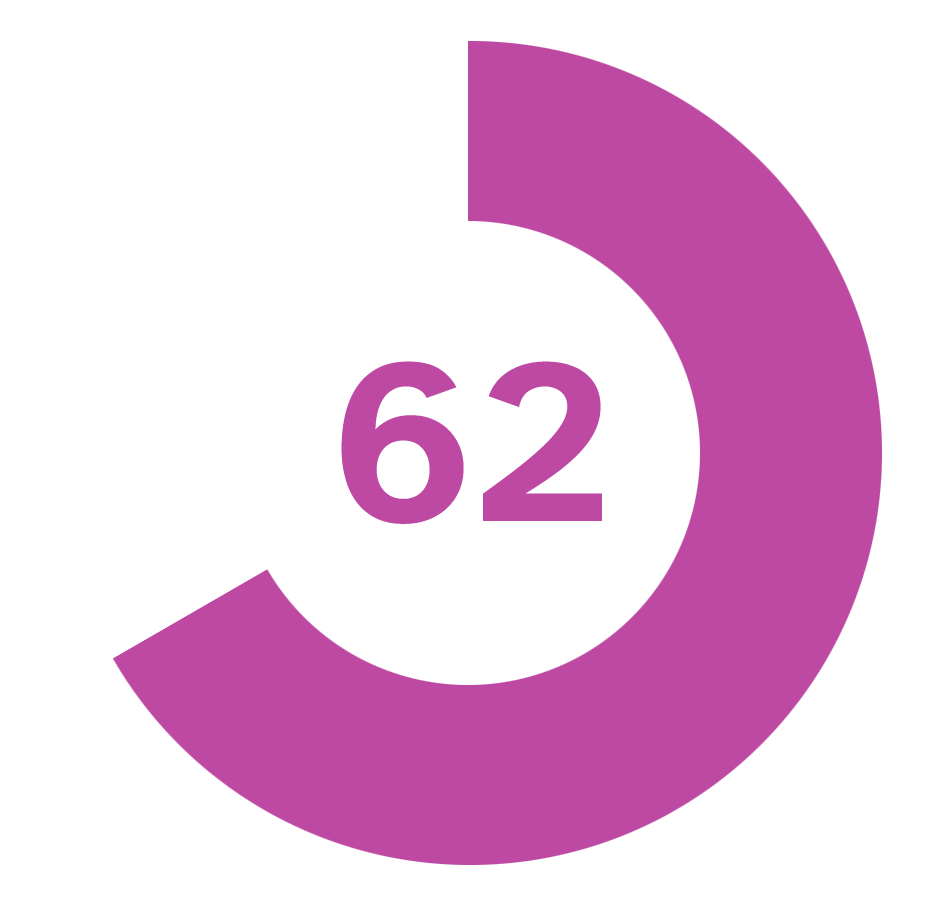
Enter your email address and a URL to get an accessibility scan with Insi. Your initial results will show an overall score on a scale of 1 to 100. Scores of under 50 are very concerning. Make sure to enter your email address correctly to receive the detailed scan results.

2. Confirm Email

Complete the form under your scan overview to receive an email with a sharable link to view the full accessibility scan details. Confirming your email also allows you to perform up to 5 scans of the same page or additional pages.
3. Scan Details

Using the link from your Insi email confirmation review your detailed scan results. You can also use the demo link at the top of our site to run additional scans without confirming your email again. Just make sure to enter the same email in additional scans.

Complete Feature Set, No Upgrades Required

Every version of Insi includes the full feature set with all future updates included in your subscription. We work closely with our customers to develop features that people actually want and will use to improve their websites’ accessibility. Our commitment is to provide tools that make real differences in your accessibility efforts, not to create upgrade pressure or feature limitations that get in your way.

Frequently Asked Questions

Your accessibility score is a 0-100 rating that reflects your site’s overall accessibility health, with higher scores indicating better accessibility. Insi calculates this score based on both the number and severity of issues found during scanning. A score under 50 signals very concerning barriers that likely prevent people with disabilities from using your site effectively and require immediate attention. Scores between 50-75 indicate functional accessibility with room for improvement—you’re meeting basic standards but could enhance user experience. Scores of 75 and above demonstrate excellent accessibility that should satisfy most compliance requirements and serve users well.

Insi organizes issues into three severity categories and four type categories to help you understand and prioritize problems. Critical issues are major accessibility barriers that prevent users from accessing content or completing tasks—like missing form labels or severe color contrast failures. Minor issues affect fewer users or create less significant barriers. Potential issues are problems that need human verification to confirm they’re actual accessibility violations rather than false positives. Insi also groups issues by type: structure (page organization), navigation (how users move through content), design (visual presentation), and content (text and media elements).

Every issue in Insi includes comprehensive details to help you understand and fix the problem without needing deep WCAG expertise. You’ll see an explanation of what’s wrong in plain language, why it matters for users with disabilities, and which types of users are affected. The report includes resolution instructions guiding you toward fixes, a code snippet showing the problematic HTML, and a button to highlight exactly where the issue appears on your page. Some issues, like low contrast text, can also include a screenshot and accurate calculation of the true contrast ratio. This complete picture means both developers and non-technical team members can understand what needs fixing.

The visual highlighting shows you exactly where accessibility problems exist on your pages, making abstract WCAG criteria concrete and actionable. When you view an issue, click the icon to have Insi display your page with the problematic element marked, so you can see the specific button, image, heading, or text causing problems rather than trying to interpret technical descriptions. For some design issues, Insi also includes screen captures directly in the issue interface. This visual-first approach helps you communicate problems to team members who may not understand code, and ensures you’re fixing the right elements rather than guessing based on technical specifications.

Potential issues require human judgment to determine whether they’re actual accessibility violations or acceptable implementations. Insi flags these because automated scanning can’t always distinguish between similar patterns—some are problems, others are fine depending on context. Review each potential issue using the information Insi provides about why it was flagged and what to check. If you determine an issue isn’t actually a problem after manual inspection, you can approve it at the page level or sitewide level to prevent it from appearing in future scans. This approval tracking ensures you’re not repeatedly reviewing the same non-issues while maintaining vigilance for real problems.

Insi provides resolution tracking tools that let you mark problems as addressed either individually or across your entire website. When you verify an item isn’t a valid issue, mark it resolved in Insi so it doesn’t clutter future reports. For issues that appear sitewide you can approve the item once and Insi remembers this decision across all pages. The system maintains a record of all approved issues in one central location, preventing wasted time re-checking problems you’ve already handled and helping you focus on remaining work.

Yes, Insi’s dashboard tracks your accessibility improvements with clear metrics showing your progress and overall site health. You can see the total number of issues found, percentage of your site that’s been scanned, average scan score across all pages, and how individual page scores change over time. This historical data is valuable for demonstrating improvement to stakeholders, maintaining accountability for accessibility goals, and understanding the impact of your remediation work. The progress tracking also helps you identify patterns—like whether new content consistently introduces certain types of issues—so you can adjust your workflow to prevent problems rather than just fixing them.

Insi includes secondary analysis that can automatically approve certain potential issues after verifying they’re not actual accessibility problems. This automated approval happens when Insi’s additional checking confirms that what initially appeared concerning is actually implemented correctly. Auto-approval saves you time by eliminating obvious false positives from your review queue, letting you focus on issues that genuinely need attention. The system is conservative with auto-approval, only clearing items it’s confident about, which means you still maintain final control over determining what constitutes acceptable accessibility on your site.